Parked: Locate Your Car
Your spot. Your peace of mind.
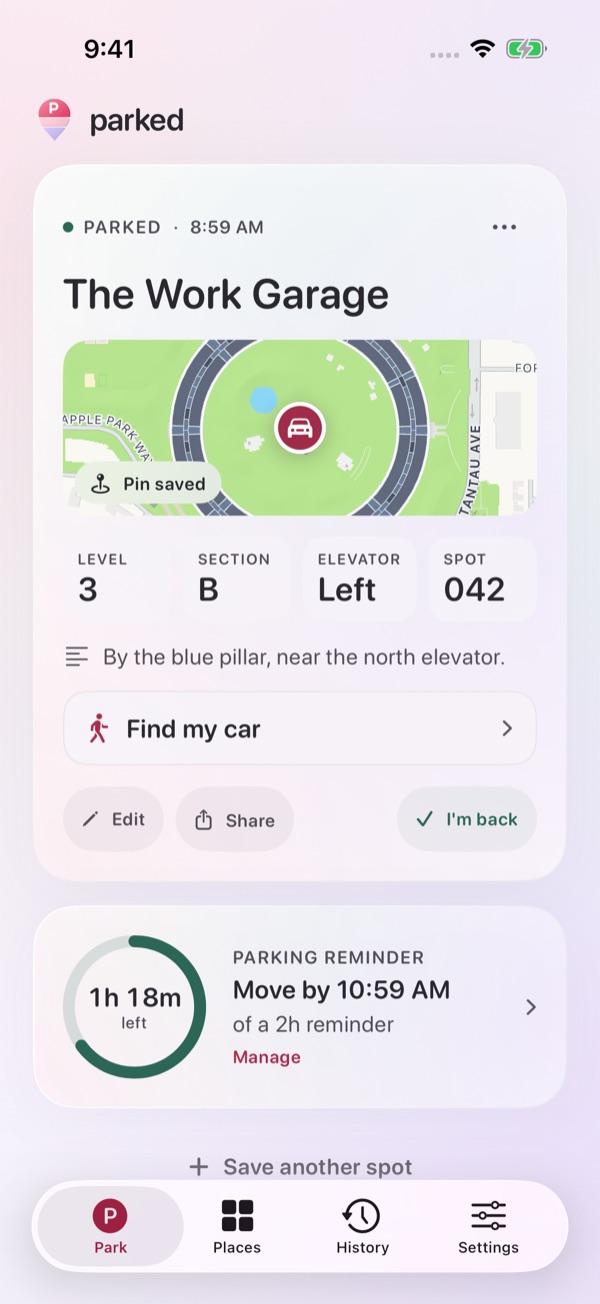
Parked remembers the little details so you don't have to. Save your level, section, spot number, a photo or a map pin in seconds, set a gentle reminder, and find your way back with ease.
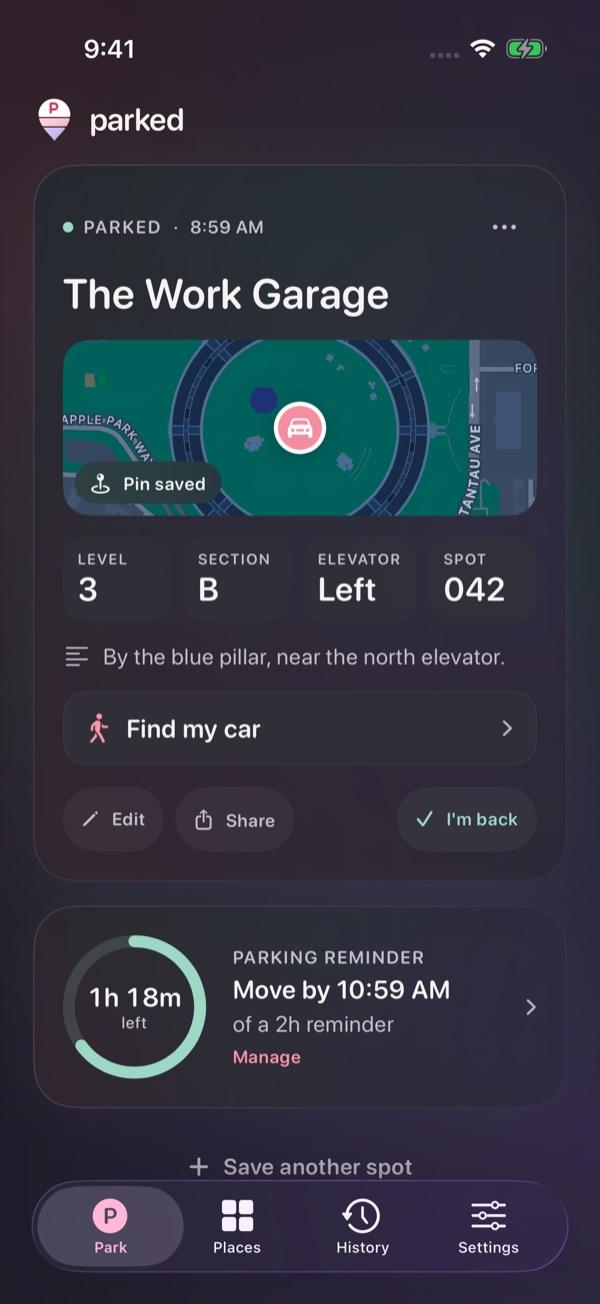
Made for the walk back
Everything Parked does, it does on your iPhone.
Save in a few taps
Start with Any Building, Airport Parking or one of your places. Tap a level and section, add a photo or note, and Parked saves on its own.
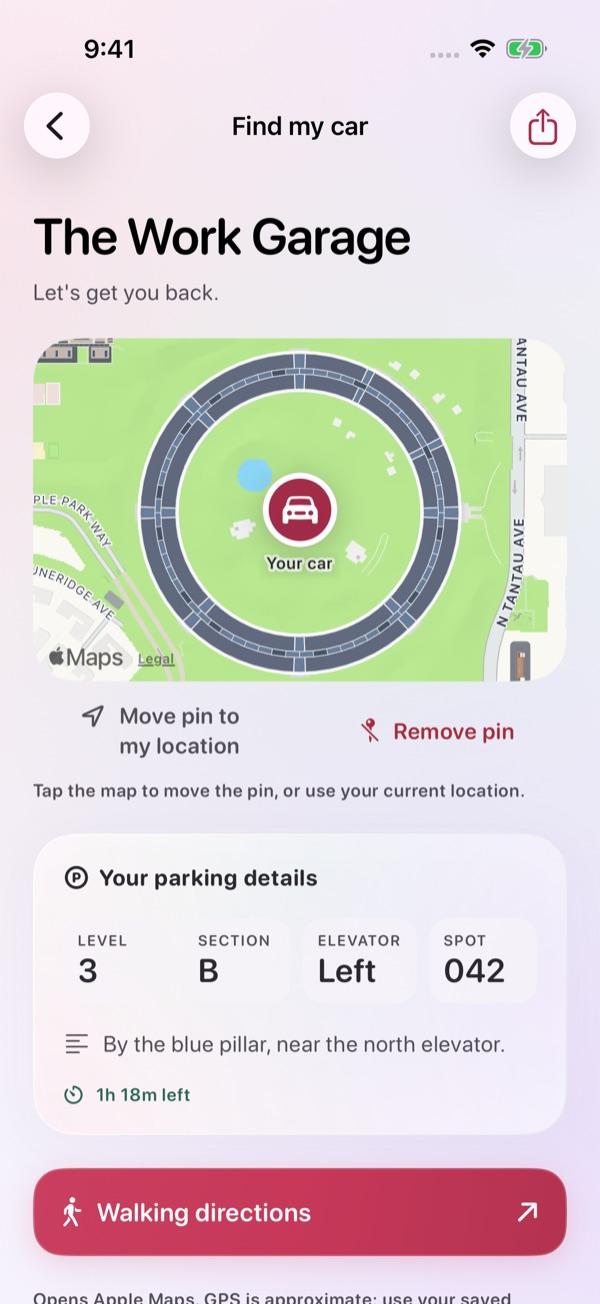
Find your way back
See your level, section and spot at a glance, keep photos of the pillar or elevator, and open walking directions in Apple Maps.
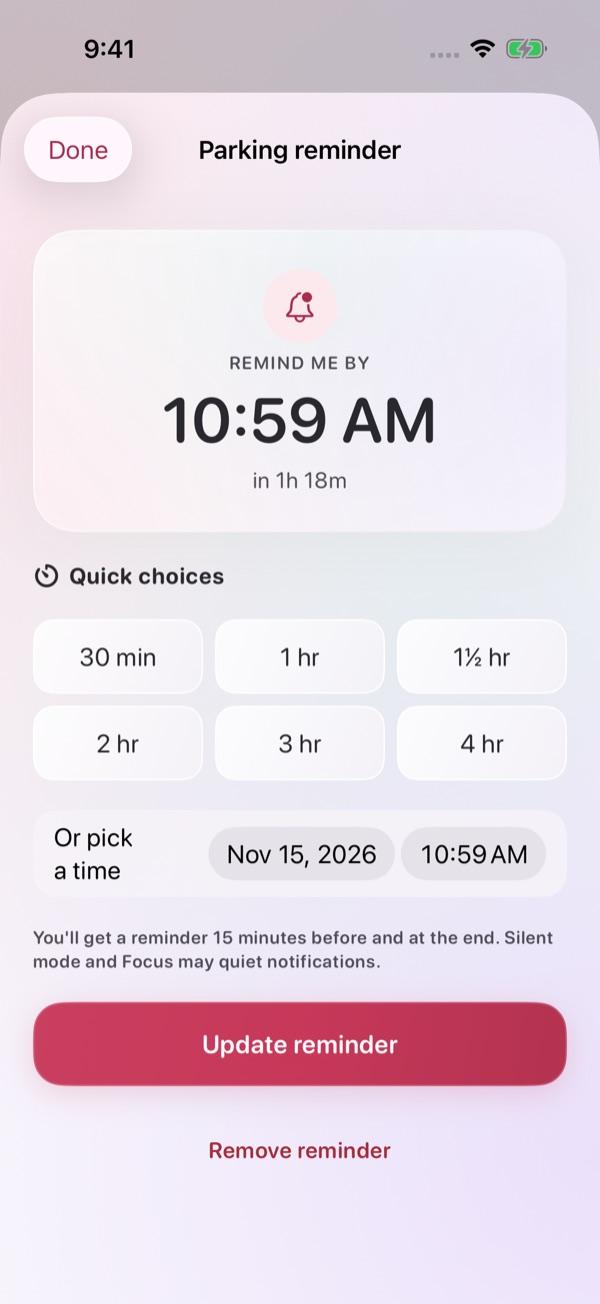
A gentle reminder
Set a parking timer and get a nudge 15 minutes before it ends. A Live Activity keeps the countdown on your Lock Screen and in the Dynamic Island.
On your Lock and Home Screens
Widgets show your spot and time left. Save parking and Find my car work from Control Center, the Lock Screen and the Action button.
Across your iPhones
Optional iCloud sync keeps your spots, places and reminders in step, using your own private iCloud.
Private by design
No account, no ads, no tracking and no developer server. Location, camera and notifications are only used when you ask.
Your places, your business
Your parking details and photos stay on your iPhone, and in your own private iCloud if you turn on sync. DeepGen Technologies can't see them.